Creating a Selenium Grid with Docker Compose and running Python tests
In the previous post I was getting familiar with docker-compose for spinning up an environment. Now we’re going to create a new project and use docker-compose to create a Selenium Grid and run some basic Python tests against it.
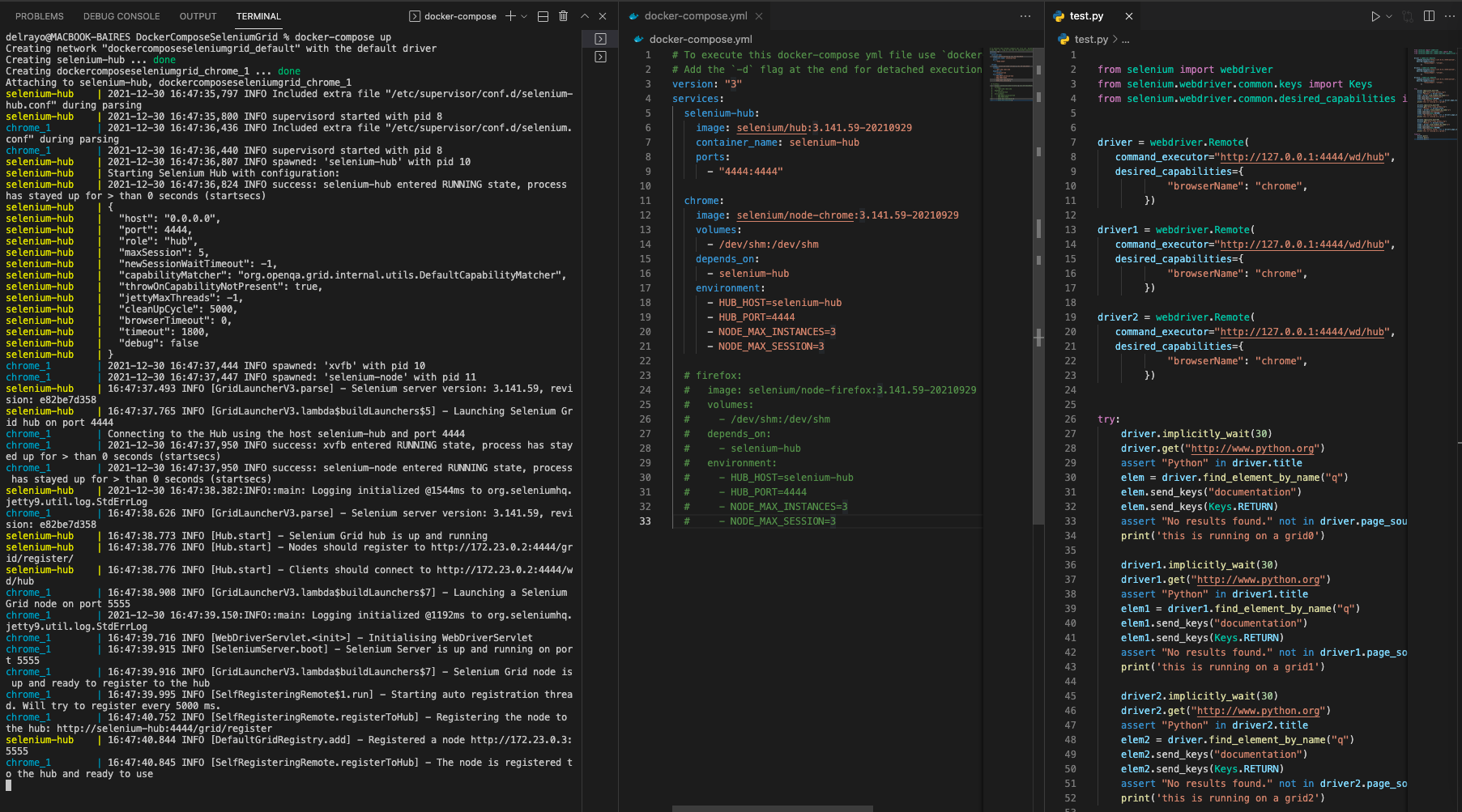
As always, the files can be found on GitHub.
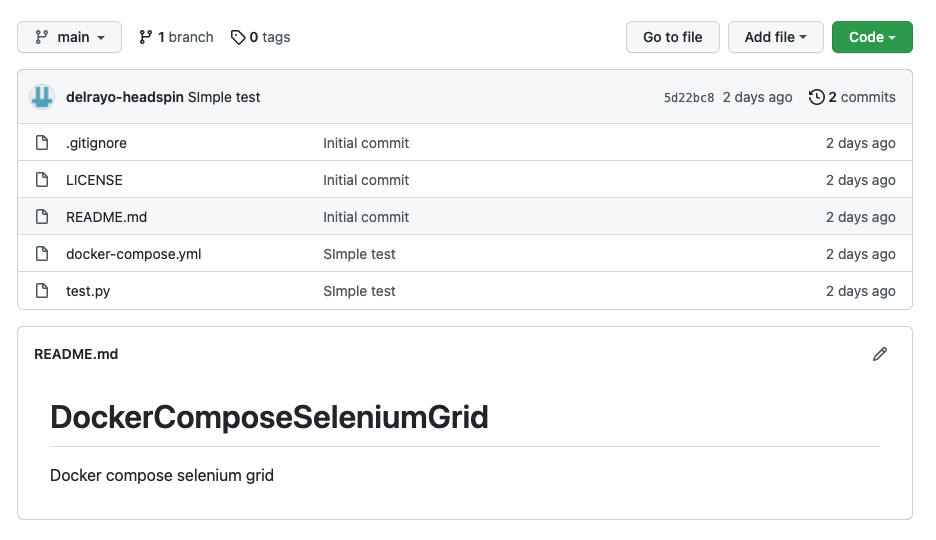
Just download the repo, open a terminal in the repo folder and run:
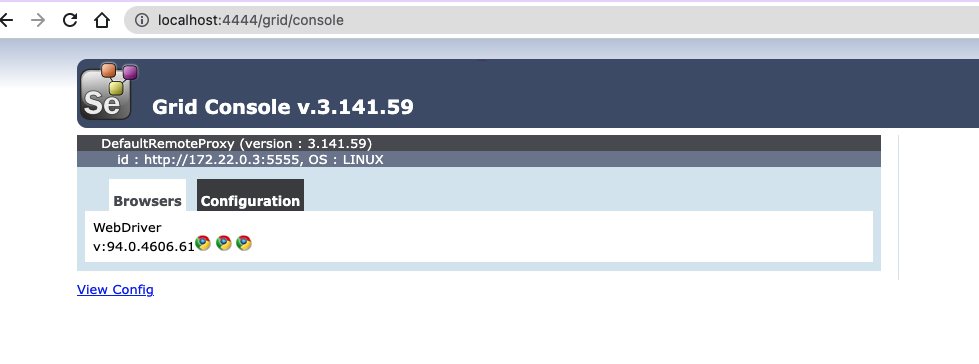
docker-compose up -dThat will spin up the grid. When Docker finishes bringing up the grid, go to http://localhost:4444/grid/console to verify everything is OK.
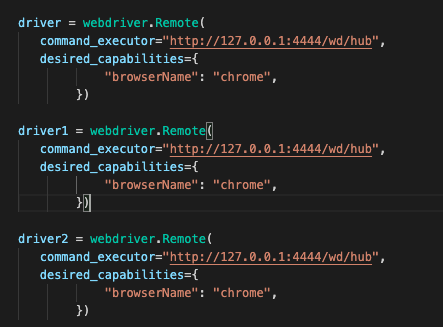
Then run a simple test against the grid. Create a new Selenium driver pointing to the grid — in Python it looks like this for Chrome:
You can find an example test file at:
https://github.com/delrayo/DockerComposeSeleniumGrid/blob/main/test.py
Hope this helps you on your testing.